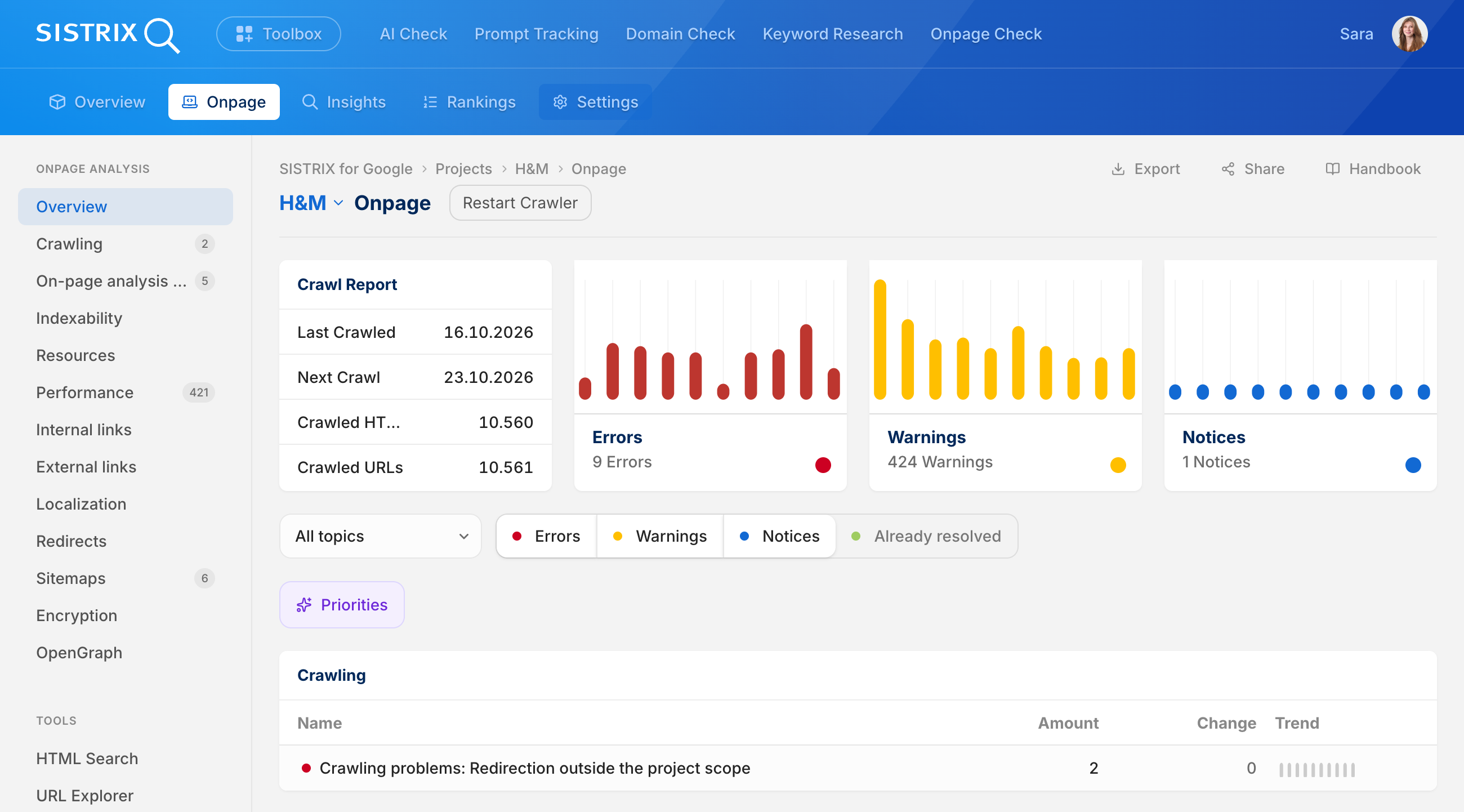
Where can I manually restart the Project crawler?
- Which AI clients are supported?
- Which SISTRIX data can the MCP server access, and which is excluded?
- How high is the quota and what does the MCP usage cost?
- Can I conduct recurring retrievals or dashboards via the MCP server?
- Will the MCP run automatically or do I have to explicitly mention it in the prompt?
- Which model is recommended and how do I get better outputs?
- How can I retrieve keywords, search volume, and clusters with the MCP?
- What are the GEO & AI Visibility tools, and what can the MCP accomplish in connection to them?
- Can the MCP be combined with other data sources?
- Where can I find use cases and prompt templates?
- Why is the number of top 100 keywords changing?
- How can I use the SERP updates and what will it cost me?
- Why has the project Visibility Index changed in my project?
- Evaluating commercial keywords based on the CPC
- What does it mean if a keyword is not included in the domain databases?
- Current SERP screenshot for a better overview
- Analysing SERP overlaps
- Search Volume and Clicks in SISTRIX
- How reliable are chatbot answers – and how do I deal with hallucinations?
- Why do brands that are also generic terms have trouble being correctly recognized by chatbots?
- Monitor and analyse individual keyword-sets
- Comparing SERPs at different points in time
- Finding the real competitors
- Update keywords in individual intervals
- Uncover performance hubs
You will find the “Restart Crawler” button by going to the “Onpage” menu.