

If you enter a domain or brand into SISTRIX for AI/Chatbots and then click on “Prompts” in the navigation on the left-hand side, you will land here. Here, you analyze the specific questions and the resulting AI-generated answers. The goal is to understand the content quality and the context of the mentions. While the overview shows a rough summary, this function provides deeper analysis options to analyze how the AI actually perceives and reproduces a brand or a topic.
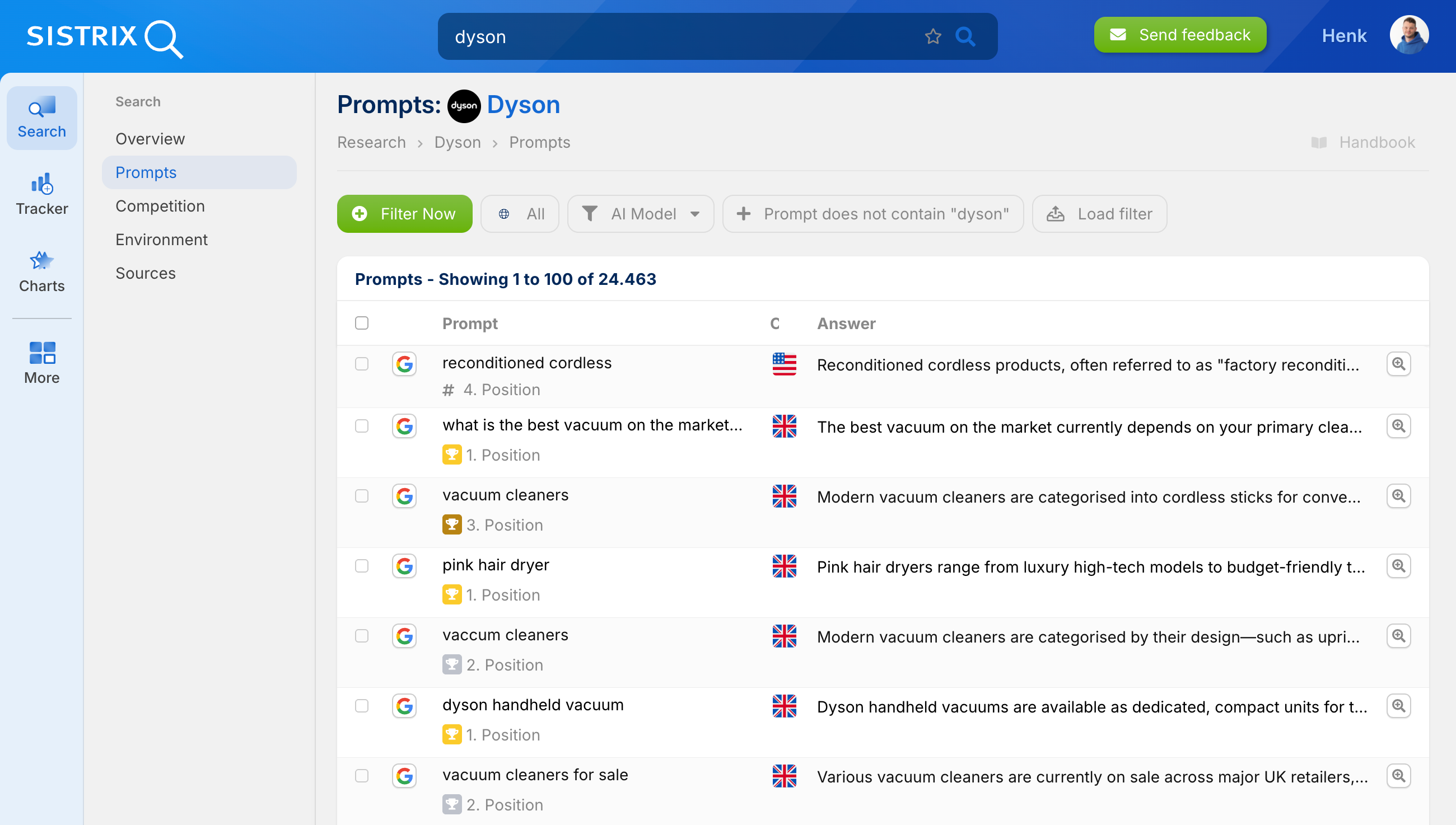
To make this data even more meaningful, we have processed it accordingly so that it can be analyzed individually and, for example, compared over time. For this purpose, the following functions are available:
Prompts Table
The table accesses a comprehensive set of around 25 million prompts that we associate with the searched entity worldwide and across languages. Using the checkboxes at the beginning of each row, you can specifically select prompts and add them to an individual prompt list. This creates custom prompt sets for later analysis in the Tracker.
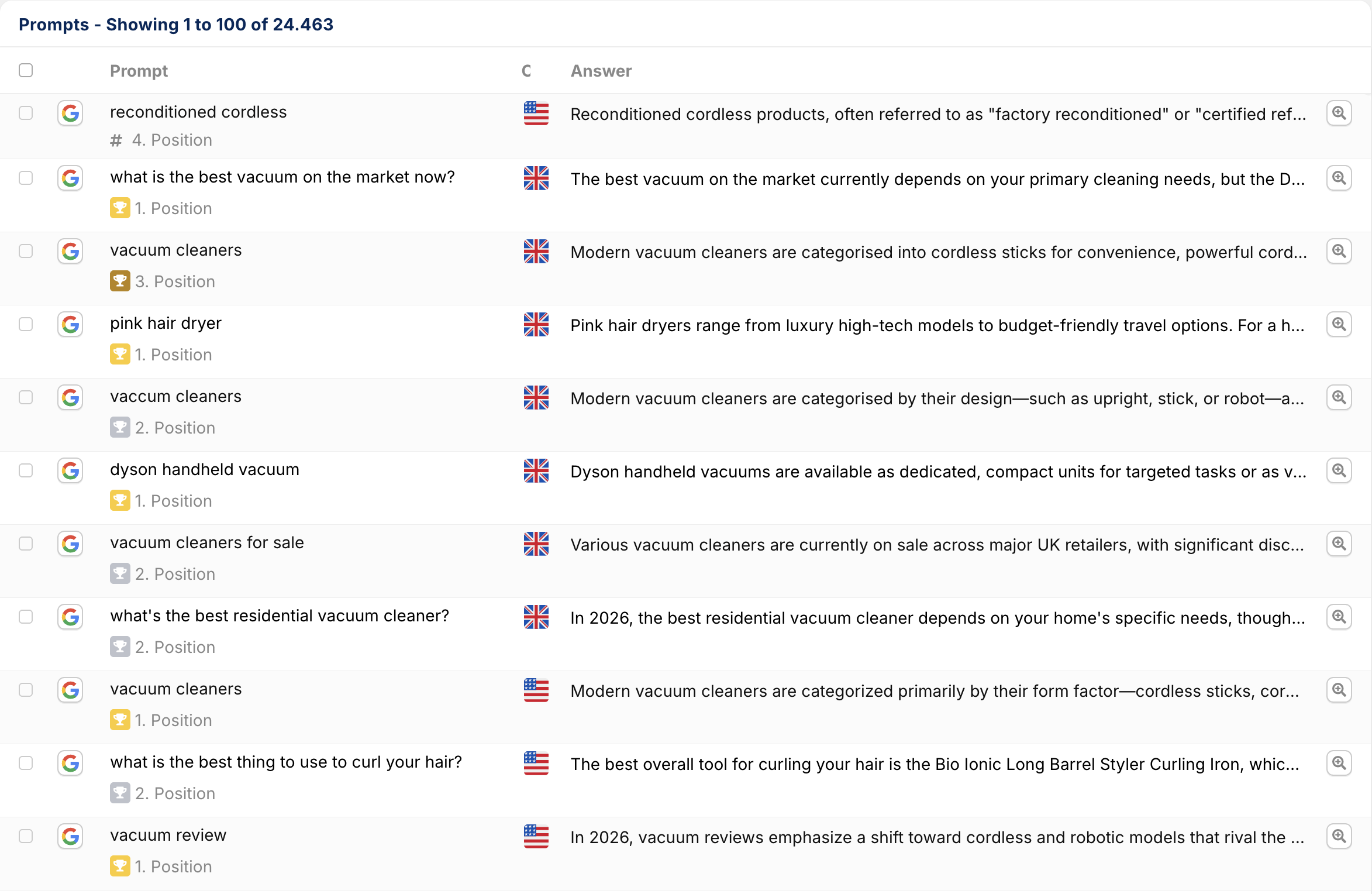
AI Model
The icon shows which AI model the respective prompt was queried in. Since answers often differ significantly between models such as ChatGPT, Google AI Mode, or AI Overviews, this information helps to identify model-specific differences in your own visibility. You can also filter specifically for an AI model using the filter function above the table.
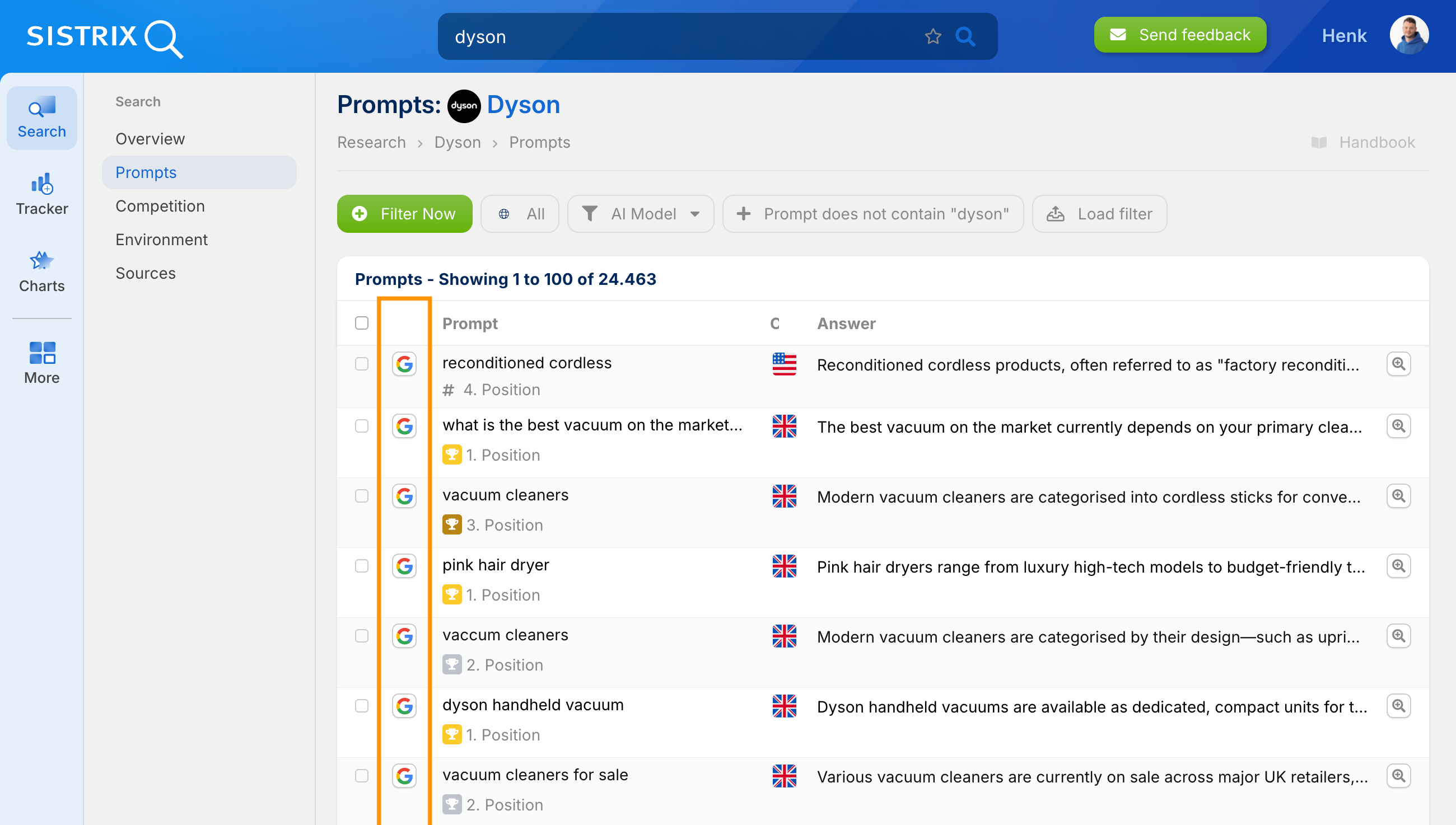
Prompt
This column shows the exact wording of the user query that was submitted to the respective AI.
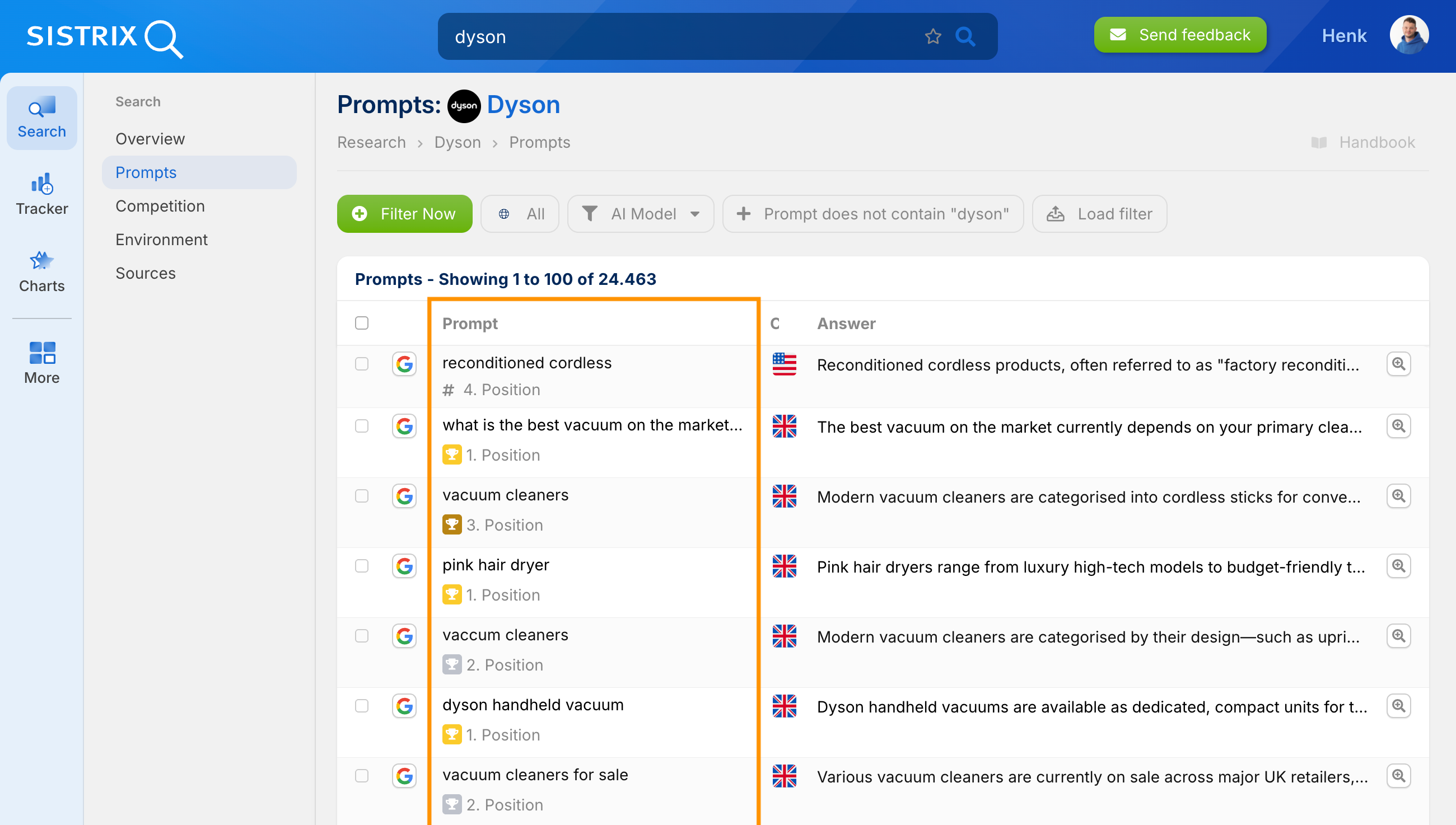
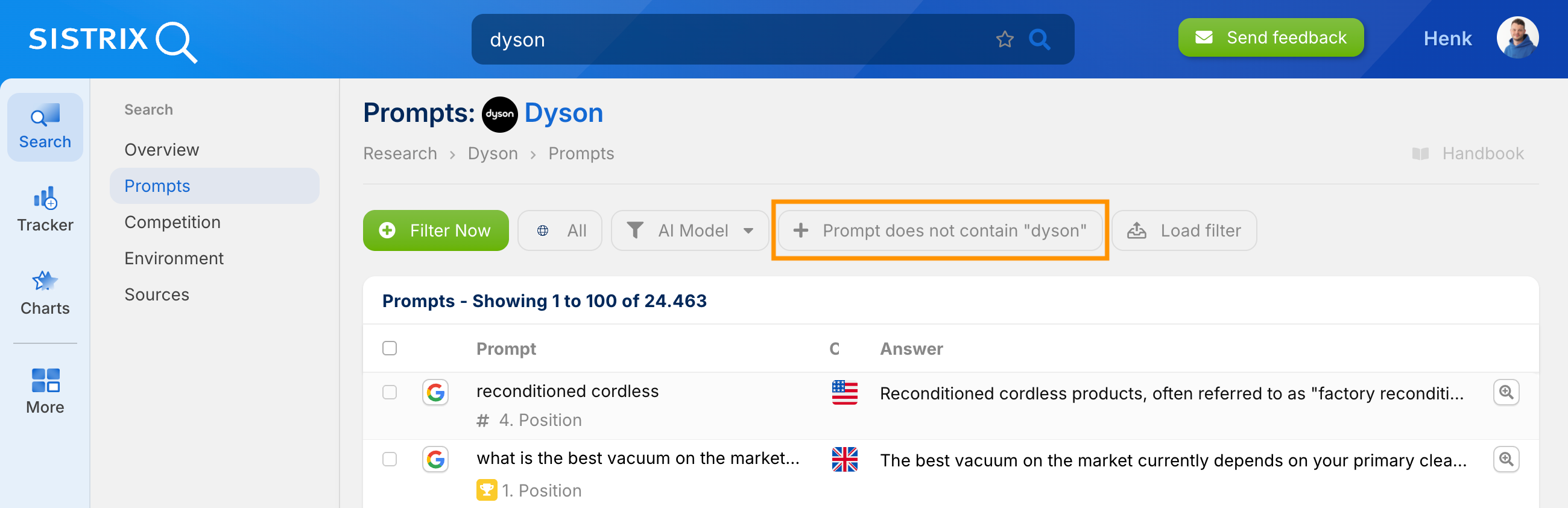
Filter: Prompt does not contain “Entity”
This filter can be used to include or exclude specific words from the listed prompts in the view. For example, by excluding your own brand or entity from the wording of the prompt, you can find out in which general contexts the AI provides recommendations on its own. This shows which topics trigger a mention without users having explicitly searched for the brand.
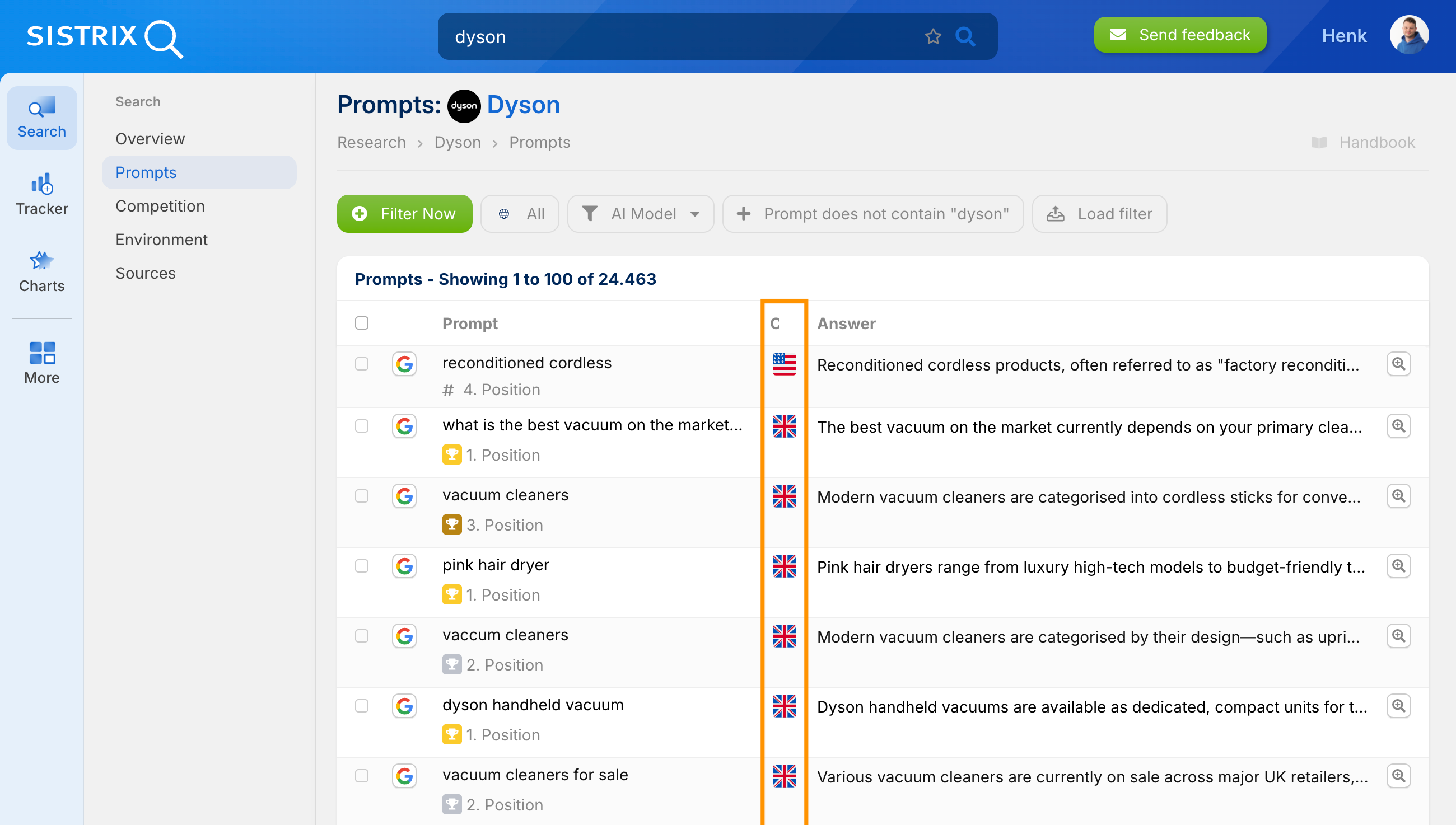
Country
Under “Country,” the geographical assignment of the prompt takes place. Since AI answers can vary greatly by region, this lists the market for which the respective information was collected.
Answer & Detail Icon
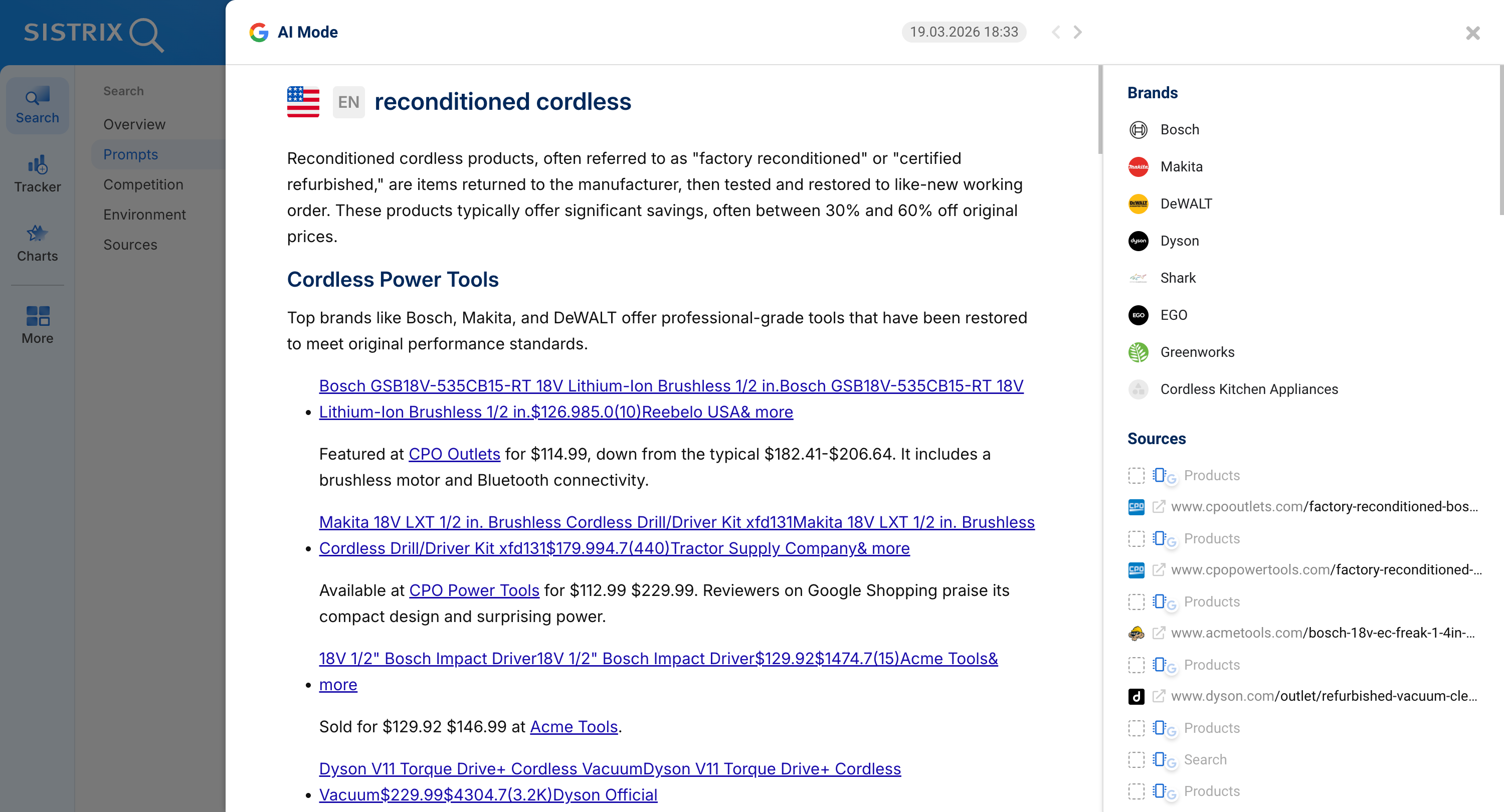
The “Answer” column shows an initial text preview. The magnifying glass icon on the right can be used to open the detailed view to analyze the answer in full. In the detailed view, all information regarding a specific prompt is prepared in a bundled format:
- Metadata: Here, the country, the model used, the full prompt wording, and the exact timestamp of the last query are listed again.
- Historization: The arrow icons at the top right can be used to access older versions of the answer to the same prompt. This allows you to track precisely how the AI’s answer has changed over time.
- Full Answer: Below this, the entire answer text is displayed. All recognized brands (Mentions) as well as the sources used (Citations) are marked directly in the text and clearly listed in the section on the right.
Additional Functions
The detailed analysis of individual prompts is an important step in understanding the extent and information with which you are mentioned in AI search systems. However, this is not enough for a comprehensive picture. To draw a holistic picture, further functions are available in the left-hand navigation:
- Competition: Here you can see which competitors are mentioned together with your own brand in the same prompts.
- Environment: Analysis of which terms and topics shape the semantic environment of the brand in these answers.
- Sources: Identification of the domains and URLs that are most frequently used by the AI as a reference for information.
- Tracker: In the “Search” section, only predefined prompts can be analyzed. In the Tracker, individual prompts can be stored and tracked over time.





