In the Competitors section, you can see exactly which brands the AI mentions in the same breath as your entity. This helps you understand the market environment you’re operating in within AI search and who your direct competitors are for user attention. Above the competitor table, you’ll find two further analyses that let you compare yourself with your competitors in more depth.
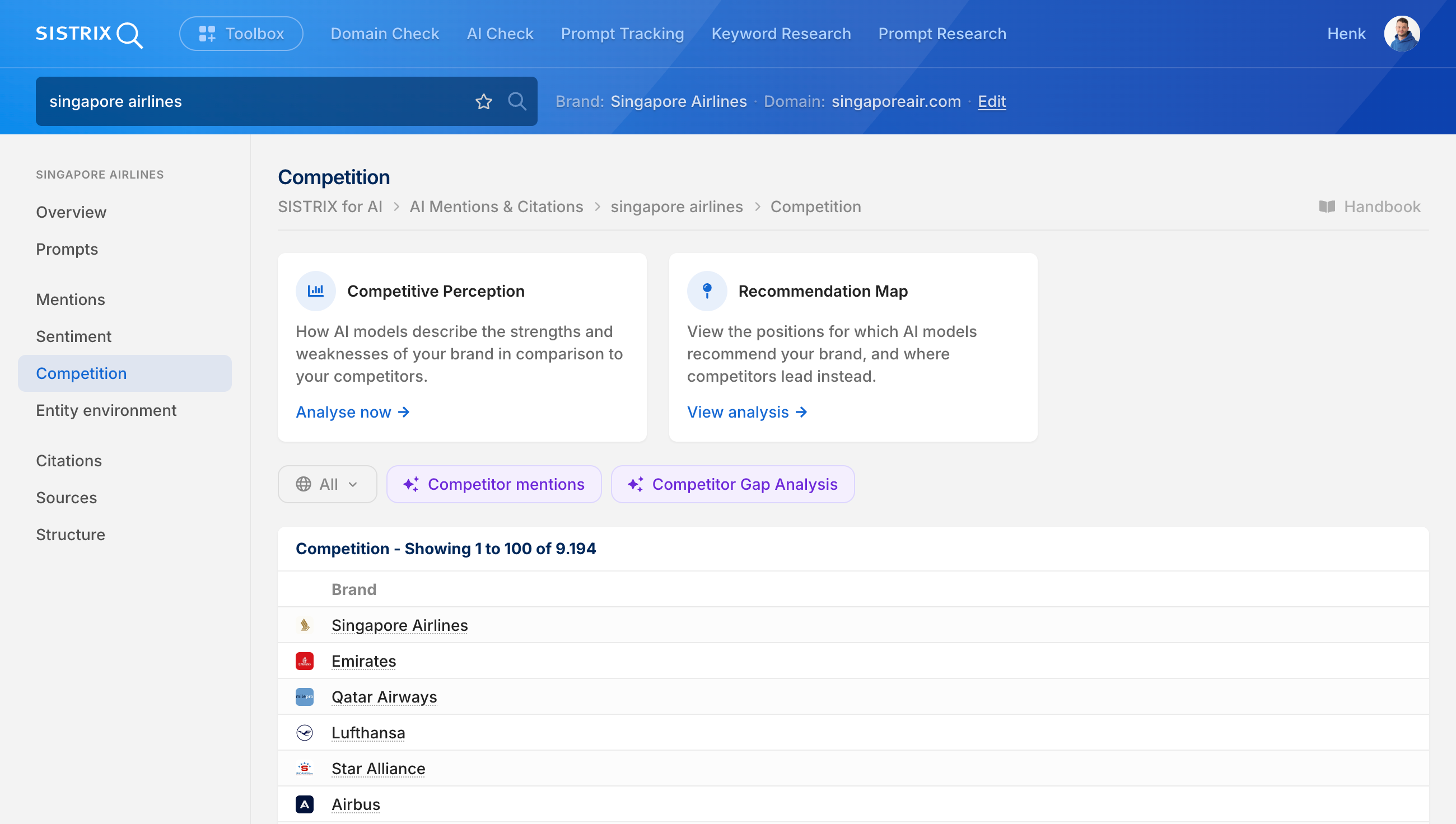
Competitive Perception
This analysis shows you the topics on which AI models praise or criticize your brand compared to the competition, for example price-to-value or customer service. You run this analysis once via the “Analyze now” button; after that, it’s saved as a completed analysis. The full analysis, including the perception matrix and recommendations for action, is described in the Competitive Perception handbook.
Recommendation Map
This analysis shows you the specific occasions, i.e. tasks or purchase situations, where AI models recommend your brand, and where competitors come out ahead instead. You run this analysis once via the “Analyze now” button; after that, it’s saved as a completed analysis. The full analysis, including the priority matrix and recommendations for action, is described in the Recommendation Map handbook.
AI Deep Dives
Above the filter bar, two further AI-powered analyses are available for the Competitors section that combine real SISTRIX data with AI interpretation. You can also ask further questions directly within the Deep Dives via chat.
Deep Dive: Competitive Environment
This Deep Dive shows which companies are also mentioned in many prompts, which brand represents the biggest competitor in the LLMs, and how competitors position themselves compared to your own brand.
Deep Dive: Source Gaps vs. Competition
This Deep Dive shows in which content areas competitors are cited and your own brand is not. This reveals concrete gaps that can be closed.
Competition Table
This table lists all brands that were mentioned together with the searched brand or entity in at least one of our analyzed prompts. This shows which brands the AI mentions in the same context as the searched entity or brand and whom it identifies as relevant competitors.
Advanced Features
To use the data from the Competitor view strategically, the following additional features are available in the “Search” section:
- Prompts: View the exact prompts with their corresponding responses where you and your competitors appear together.
- Environment: Analyze your own and whether your competitors appear in different thematic clusters than you do.
- Sources: Find out which websites and URLs are most likely to be used to answer questions about your brand or entity.
Tracker: Custom Analysis and Timeline
While the Competitor table shows you whom the AI mentions on its own, the Tracker gives you additional control for your monitoring:
- Identify your own competitors: You can specifically define brands that you want to keep a permanent eye on.
- Sentiment Analysis: Beyond “positive” or “negative,” the Tracker can also analyze context, tonality, positioning, as well as a brand’s strengths and weaknesses.
- Timeline: Observe in detail how your visibility and your brand’s positioning against the competition develops over days and weeks.